
How to Open the Helperbird Equation Editor
Learn how to open Helperbird's Equation Editor from the extension popup, so you can write, hear and copy maths equations in your browser.
Jump to the stepsOn this page
What is the Equation Editor?
The Helperbird Equation Editor is a place to write a maths equation and get it back properly typeset, read aloud, or copied into whatever you are working on. It opens in its own browser tab.
Who is This For?
This is helpful for:
- Students writing up maths or science homework
- Anyone who needs an equation in a document and cannot face a formula editor
- People who find it easier to hear an equation than to read it
- Teachers preparing worked examples
Step 1: Open Helperbird
Click the Helperbird icon in your browser toolbar, then open All Features at the bottom of the menu.
Step 2: Find Equations
Scroll the list until you see Equations.
Step 3: Start Writing
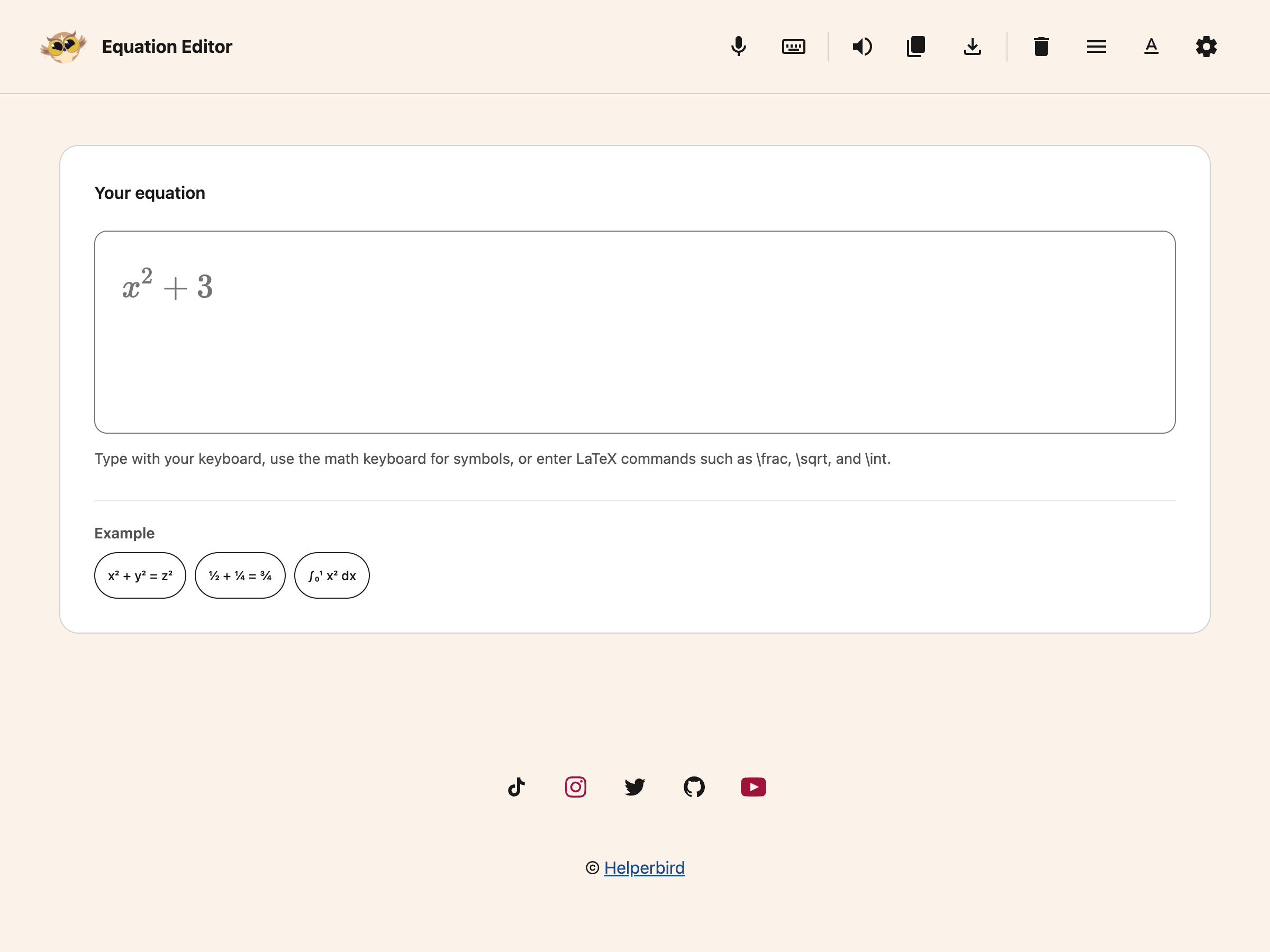
Click the button on the row. The Equation Editor opens in a new tab with an empty box.
 View full-size image (opens in a new tab)
What the Toolbar Does
 View full-size image (opens in a new tab)
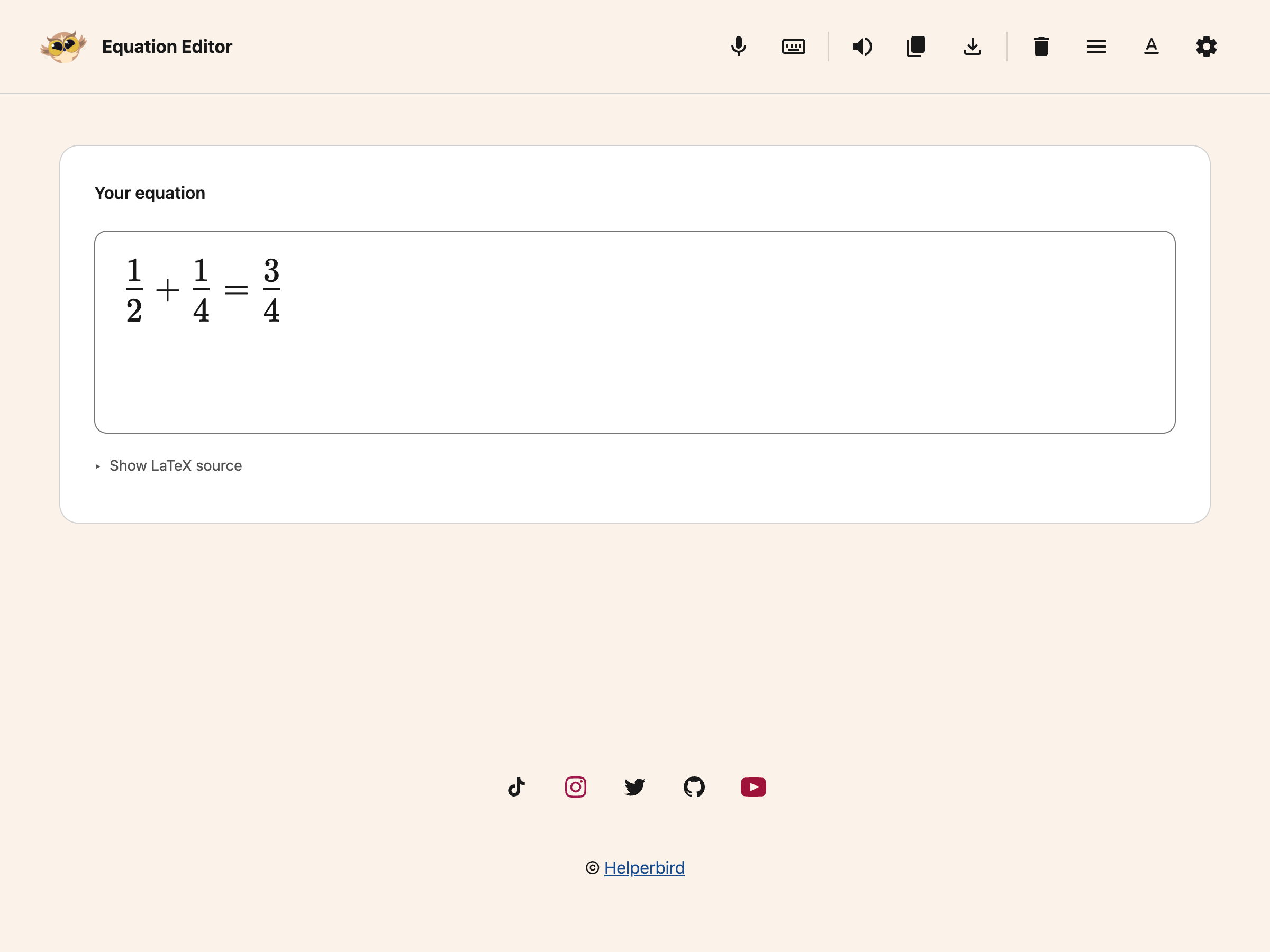
- Read aloud speaks the equation
- Copy puts it on your clipboard in the format you choose
- Download as image saves it as a picture
- Voice typing lets you say the equation instead of typing it
- The maths keyboard gives you symbols you cannot type
- Clear empties the box and starts again
Need Additional Help?
If you have any questions or run into any issues, please contact the Helperbird support team. You can reach us at Helperbird support. We are happy to help you get the most out of Helperbird.
Printed from the Helperbird Help Center · Updated September 25th, 2026
Questions? We are happy to help — helperbird.com/support