
How to Open the Helperbird Dictionary
Open Dictionary from Helperbird, or look up a word directly from a webpage.
Jump to the stepsOn this page
What is the Dictionary?
Dictionary opens in its own browser tab. Look up meanings, hear words aloud and find similar words.
Who is This For?
Use it when you meet an unfamiliar word or want to hear its pronunciation.
Step 1: Open Helperbird
Click the Helperbird icon in your browser toolbar. It looks like a small owl and is usually in the top-right corner.
Step 2: Open All Features
Scroll to the bottom of the Helperbird menu and open All Features.
Step 3: Find Dictionary
Look through the list until you see Dictionary.
If you use it often, favourite it so it also appears in Quick Actions at the top of the menu.
Step 4: Open It
Click the button on the Dictionary row. The Dictionary opens in a new browser tab, showing Look up any word and the search box.
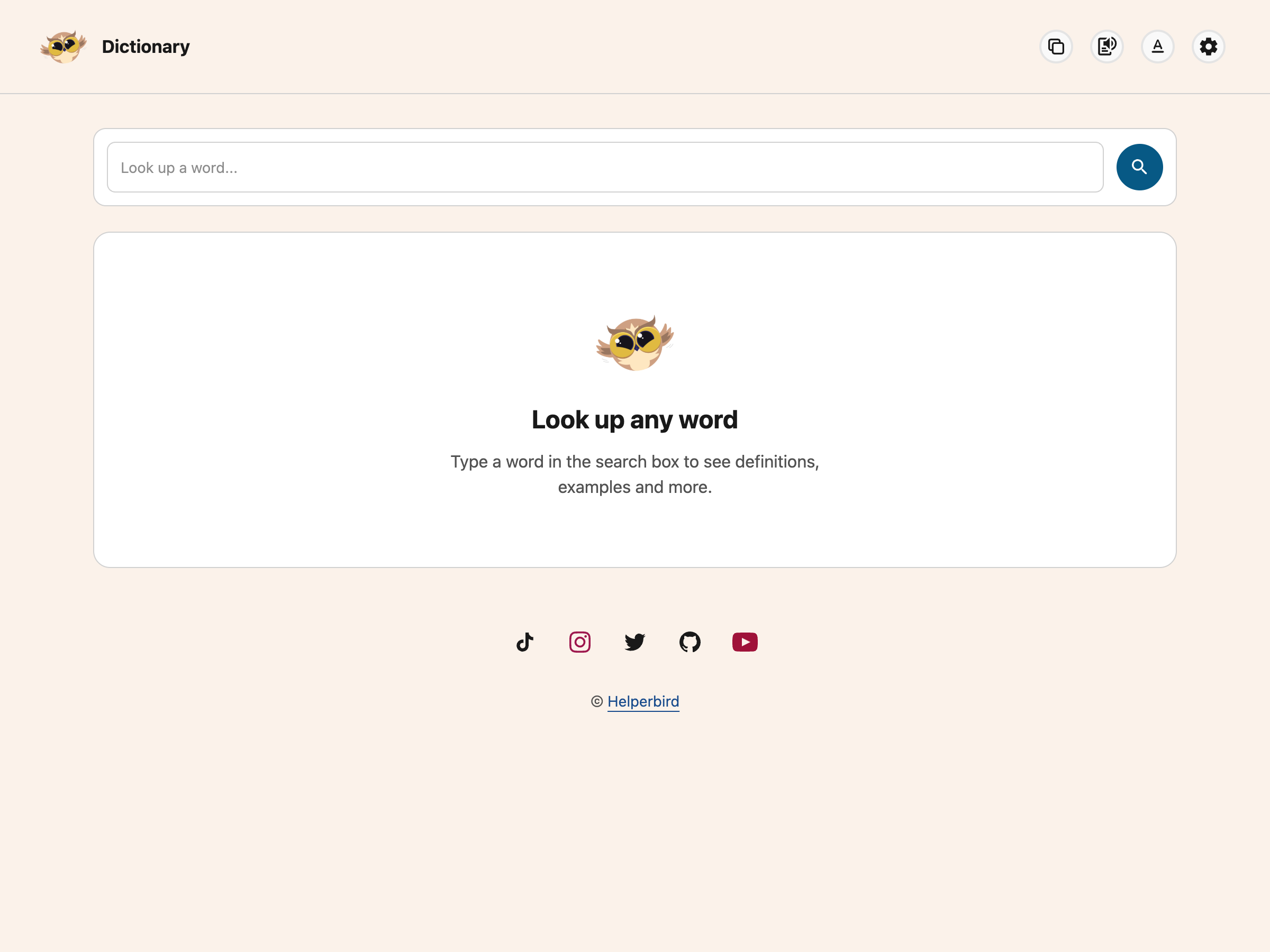 View full-size image (opens in a new tab)
If you had text selected on the page when you opened it, that word is looked up straight away.
Other Ways to Open a Word
You do not have to open the app first. Each of these opens the Dictionary in a new tab with the word already looked up:
- Select the word on the page and use the highlight menu
- Select the word, right-click, open Helperbird and choose Define
- Use the lookup on the Floating Toolbar
The right-click menu is not added on iPhone, iPad or Safari, so use one of the other routes there.
Need Additional Help?
Contact Helperbird support if you need a hand.
Printed from the Helperbird Help Center · Updated September 22nd, 2026
Questions? We are happy to help — helperbird.com/support