
Find a help guide

All help guides

How to Hear an Equation Read Aloud in Helperbird

Learn how to have Helperbird read a maths equation out loud, so you can check it says what you meant rather than trying to read the symbols.

On this page

What This Does

Read aloud speaks your equation, saying it the way a person would rather than reading the symbols one by one.


Who is This For?

This is helpful for:

  • Anyone who finds a dense line of symbols hard to take in by eye
  • Students checking they have written what they meant
  • People with dyslexia or dyscalculia working through maths
  • Anyone learning how an unfamiliar equation is said out loud

How to Do It

Write your equation, then click Read aloud in the toolbar. It is the speaker on the left.
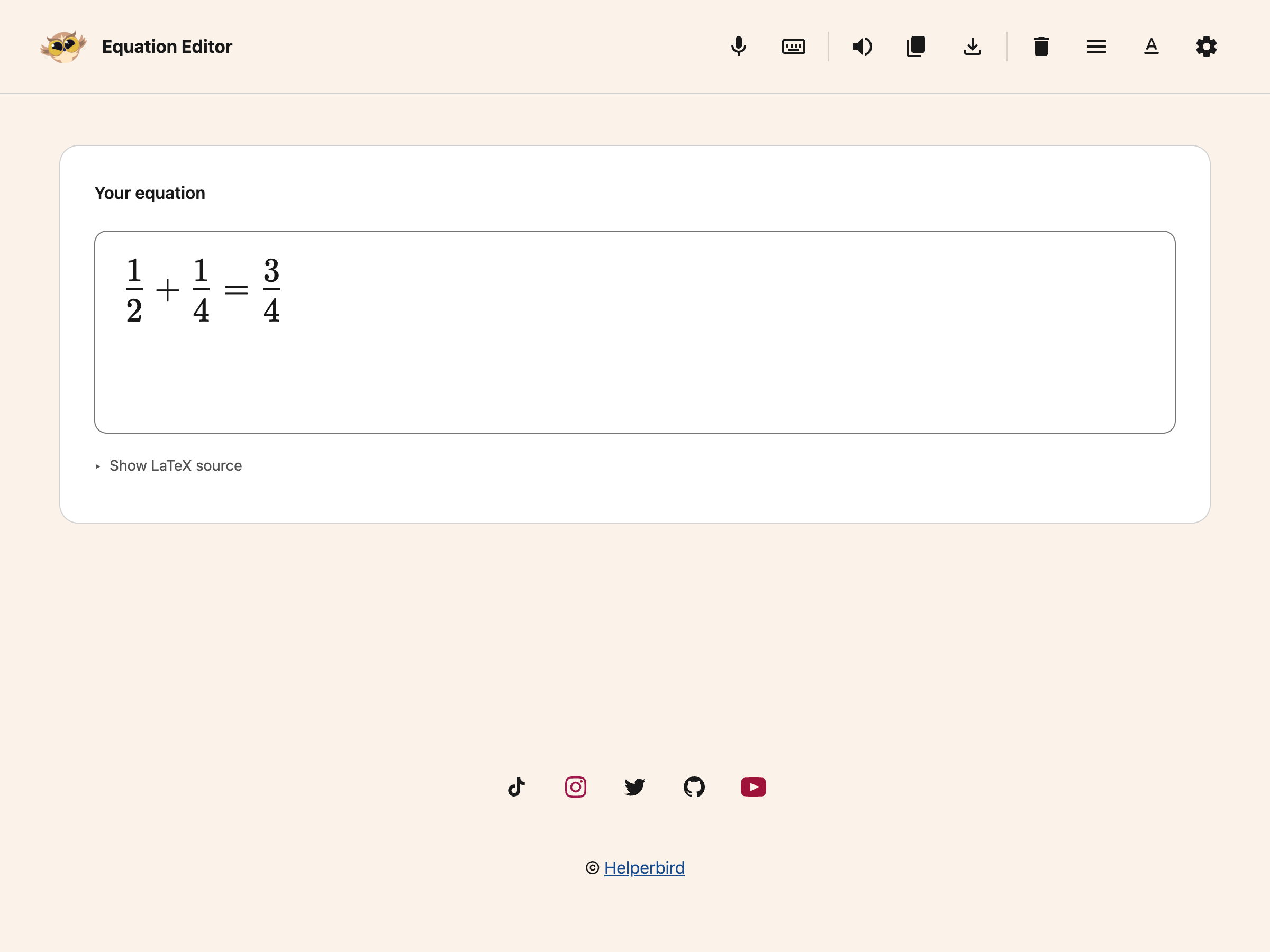
Equation Editor toolbar above a fractions exampleView full-size image (opens in a new tab)

It uses the same voice and speed as the rest of Helperbird's text to speech, so change them there and this follows.


Why It Helps

Reading maths by eye is slow and easy to get wrong, because the meaning is carried by position as much as by the symbols. A squared term and a subscript look similar at a glance and sound completely different.

Hearing it back is the quickest way to catch that you have written the wrong one, in the same way that hearing a sentence read back catches a sentence that does not say what you meant.


Need Additional Help?

If you have any questions or run into any issues, please contact the Helperbird support team. You can reach us at Helperbird support. We are happy to help you get the most out of Helperbird.

Printed from the Helperbird Help Center · Updated September 25th, 2026

Questions? We are happy to help — helperbird.com/support

A few guides for your next step.

All help guides

Reviews from the Chrome Web Store, Firefox Add-ons and G2

Join over 1,000,000 people who use Helperbird every day.

supporting a range of learning di...

Helperbird is an excellent extension supporting a range of learning differences. Aside from providing many evidence-based dyslexia-assistive tools, the extension also functions as an easy-to-use, feature-rich web experience customization tool suitable to support a wide range of cognitive differences (i.e., color blindness and ADHD-related focus concerns, among others). Also, the developer is a very good person who supports the various learning-different communities in many ways, including by designing the free version of Helperbird to provide enough functionality to be beneficial to people who cannot afford to subscribe to the full-function version.
Kirk SmithHelperbird user
this extension is amazing and has helped improve my productivity robert has also been a very nice person to deal with when I have issues the live chat feature is amazing and quick for a response it's a really great Chrome extension that helps a lot way worth the money I pay per month and is also just great to support great people making accessibility tools
Jack SalemHelperbird user

my eyes are flowing through text

Just added it and it feels like my eyes are flowing through text!
bondziotekHelperbird user
Helperbird logo: a stylized owl with large round yellow eyes and a beige face.

Download Helperbird

Text to speech, dyslexia fonts, reading rulers, color overlays, and 44 more.

Free to add, and the everyday tools stay free. Works in Chrome, Edge, Firefox and Safari.