Renamed in Helperbird 2026.7.28: Extract text (OCR) is now called the Screenshot Reader. It now reads equations automatically alongside ordinary text in the same capture — there is no separate maths mode to switch on — and each capture goes to a single destination you choose rather than to several at once.
Get Text Out of Images
See text in an image you can't select? A screenshot, a PDF scan, a photo of a document? Helperbird can extract it.
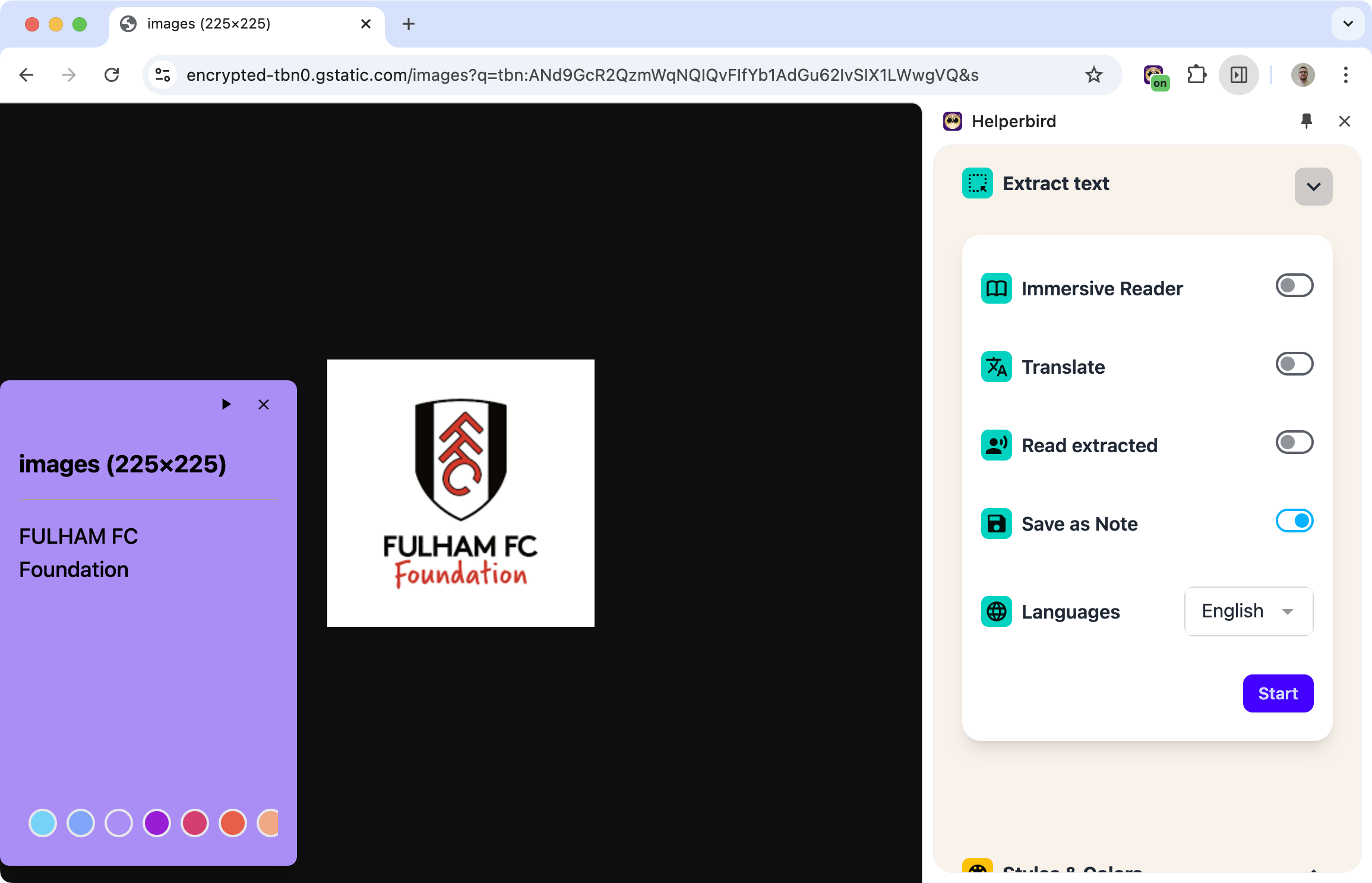
Draw a box around the area, and OCR (Optical Character Recognition) converts the image into actual text you can copy, read aloud, or use however you need.
Learn how to extract text from images
Related features
- PDF Reader - Use all Helperbird tools on PDF documents with full accessibility support.
- Text to Speech - Listen to extracted text read aloud in your preferred voice.
- Printing Tool - Print extracted text in a clean, formatted layout.
What You Can Do With Extracted Text
Copy to clipboard: Paste it into a document, email, or anywhere else.
Read aloud: Have Helperbird speak the text using text-to-speech.
Open in Immersive Reader: View and customize the text in a clean, distraction-free format.
Save as a note: Keep it in Helperbird for later reference.
Where This Works
- Images on websites: Text in photos, infographics, or screenshots
- PDF scans: Scanned documents that aren't searchable
- Video frames: Pause a video and extract visible text
- Screenshots: Anything you can see on your screen
Who Uses This
Students extracting text from textbook images or lecture slides.
Researchers pulling quotes from scanned academic papers.
Professionals digitizing text from printed documents.
Anyone who needs to copy text that's trapped in an image.
Is This Free?
OCR / Screenshot Reader is a Pro feature in Helperbird.