Read at Your Own Pace
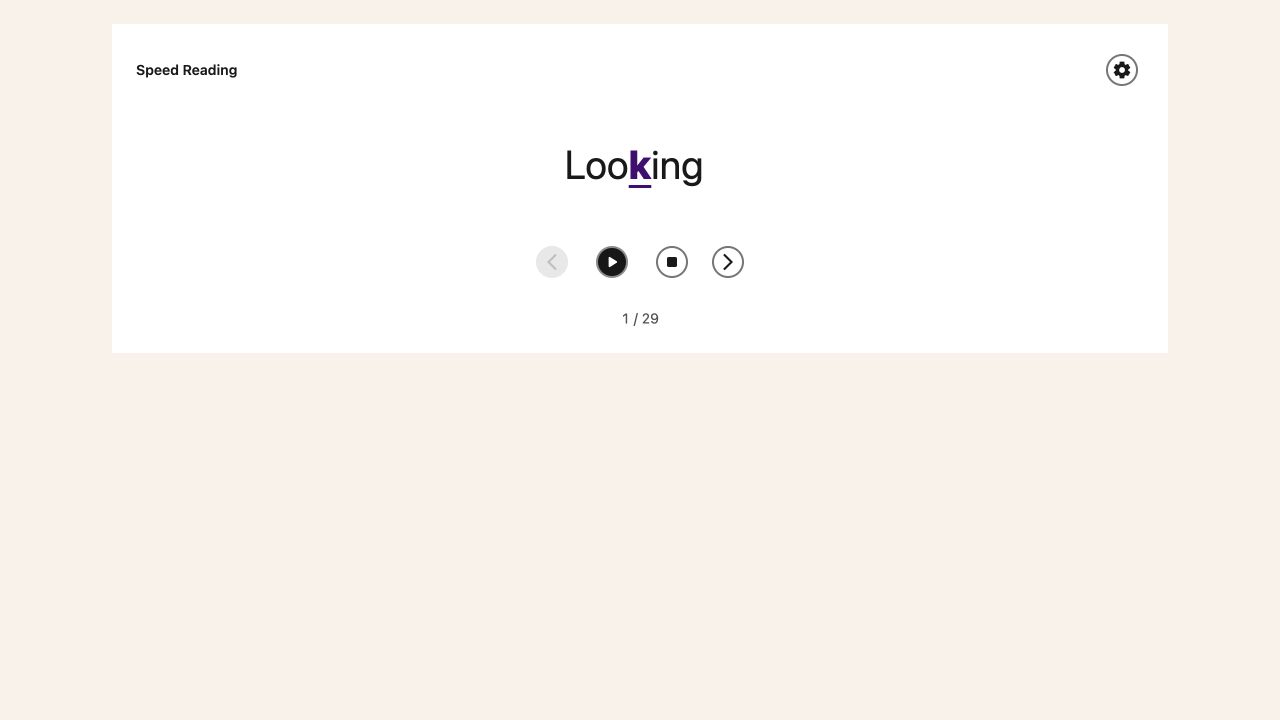
Speed Reading shows one word at a time above your article or PDF. Set a pace that lets you understand the text, pause when you need to, or step through words yourself. The original text stays below the card for context.
Open Speed Reading
Open All Features in Helperbird and select Speed Reading. On a web article, Reading Mode opens with the Speed Reading card already visible. In Helperbird's PDF Reader, the shortcut opens the PDF's own Speed Reading card.
You can also open the card from the Speed Reading button inside either reader. Opening it does not start playback. Select Play when you are ready.
Controls That Stay in Your Hands
- Choose the playback speed in words per minute.
- Pause, go back one word or move forward one word.
- Stop to return to the first word without playing.
- Turn the middle-letter focus highlight on or off.
- Keep your place when you reopen the card in the same reading view.
The card always opens paused with Play and Stop visible, including when Reduce Motion is enabled. Press Play when you are ready, or step through words at your own pace.
Reading PDFs
The PDF card reads the current page. Changing pages loads the new page's text and pauses playback. Scanned pages without a text layer need text extraction first.
Is Speed Reading Free?
Speed Reading is free in Helperbird. Your organization's policy may hide its shortcut when Reader Mode is restricted.
See the Speed Reading guide for the controls and examples.