Make Text the Size You Need
Some websites have tiny text. Others have text that's too big. Either way, it's hard to read comfortably.
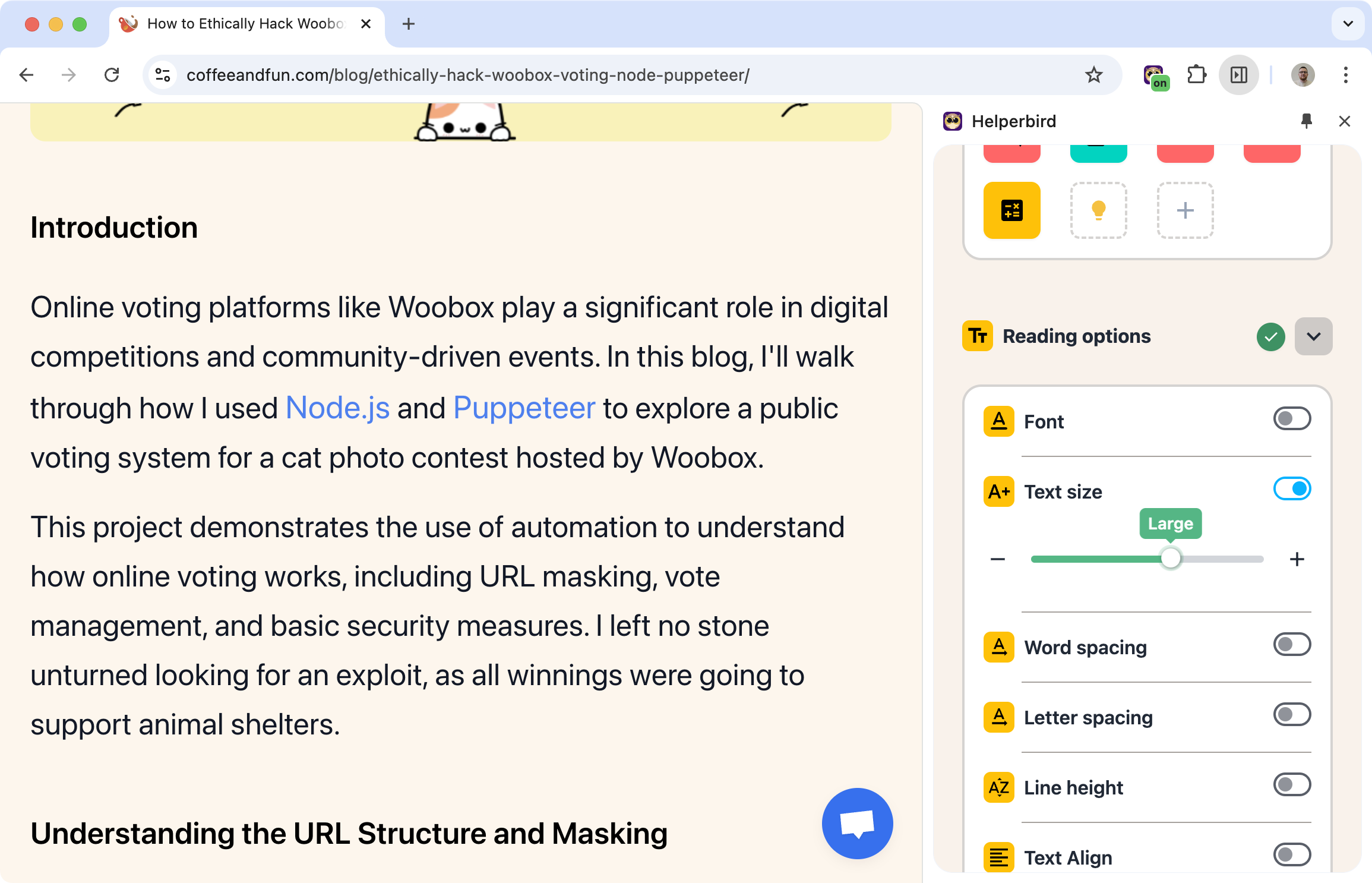
Helperbird lets you change the font size on any website. Bump it up when text is too small, or scale it down if it's overwhelming. You control how big the words appear.
Related features
- Dyslexia-Friendly Fonts - Switch to OpenDyslexic or Lexend fonts designed for easier reading.
- Letter, Word & Line Spacing - Spread out cramped text by adjusting spacing alongside font size.
- Paragraph Width - Control text column width to work together with larger fonts for comfortable reading.
Better Than Browser Zoom
Your browser's zoom feature scales everything - text, images, layout. Things can get weirdly stretched or cut off.
Helperbird's font size control changes just the text. The page layout stays intact, images stay the same size, but the words become easier to read.
What You Can Adjust
Paragraph text: The main content on most pages.
Headers: The titles and section headings.
You can adjust each independently, so you can make body text larger while keeping headers at a reasonable size.
Who Uses This
People with low vision who need larger text to read comfortably.
Anyone reading small text on sites that chose style over readability.
Users with high-resolution screens where text can appear tiny at default size.
Readers who prefer larger text for any reason at all.
Is This Free?
Yes. Font size control is free in Helperbird.