Links That Don't Rely on Color
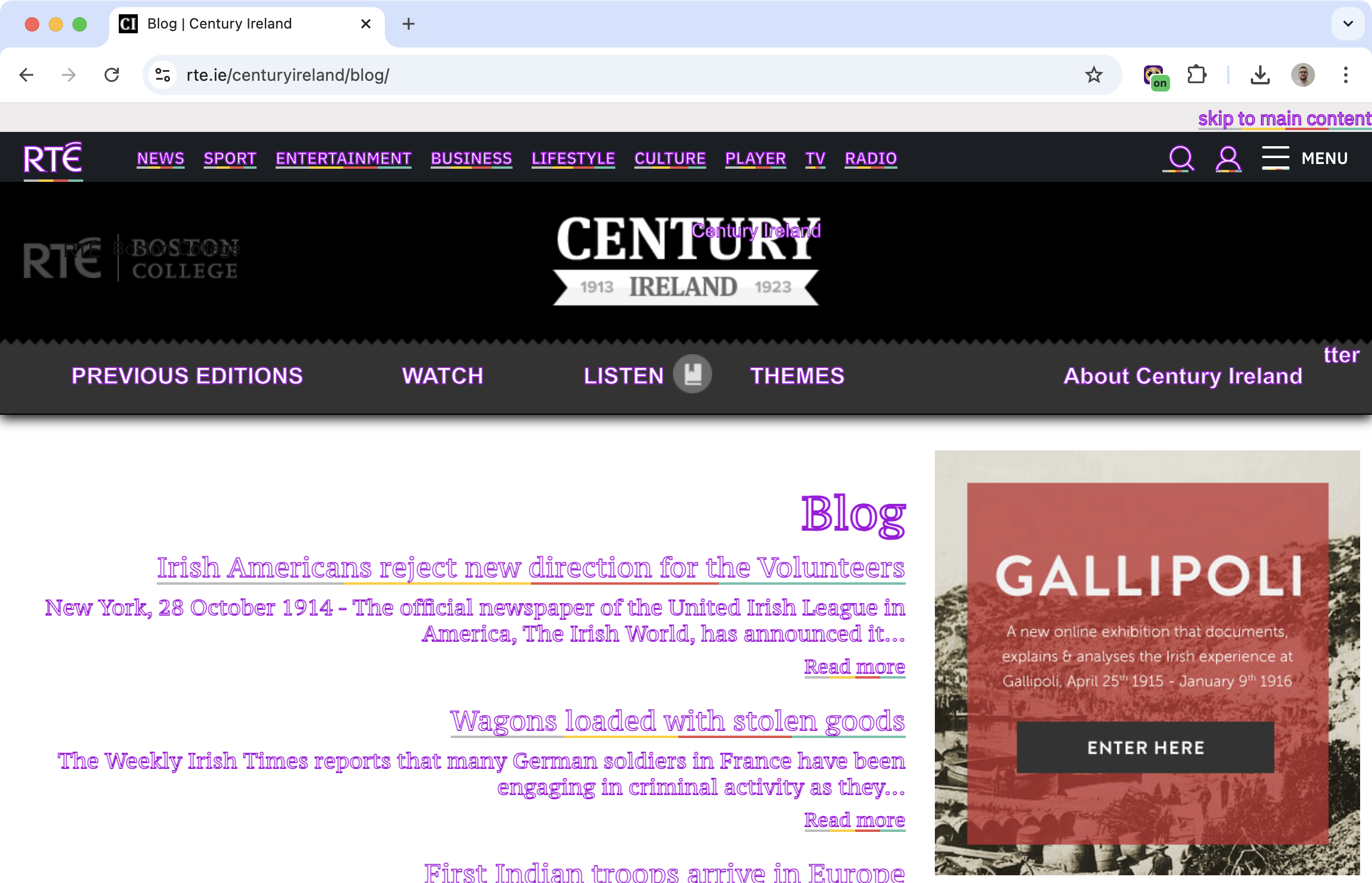
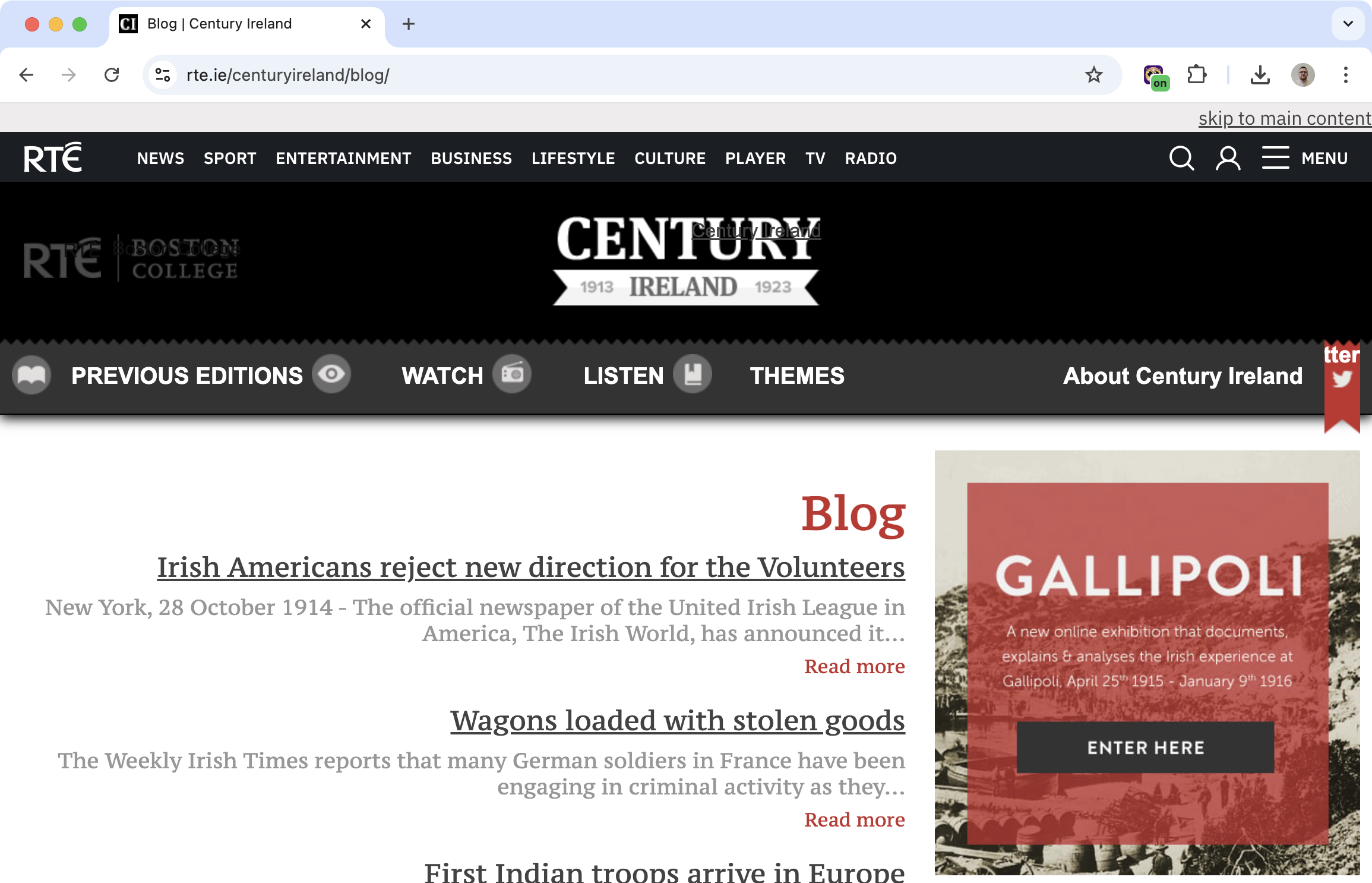
Many websites show links only by changing the text color. If you have color blindness, those links can be nearly invisible.
Helperbird adds underlines and outlines to links, so you can see them regardless of color. No more guessing which text is clickable.
Learn how to enable color blindness support
Related features
- High Contrast Mode - Boost visibility and make text stand out from backgrounds.
- Color Overlay - Apply a tinted filter to enhance text-background separation.
- Grayscale Mode - Remove color entirely for an alternative viewing approach.
The Problem with Color-Only Links
Most websites use blue or purple text for links. But if you have protanopia (red-blind) or deuteranopia (green-blind), these colors can look almost identical to regular text.
You end up hovering over random text hoping to find links, or missing them entirely.
What Helperbird Does
Turn on color blindness support, and Helperbird will:
- Underline all links so they're obvious even without color
- Add outlines to make clickable elements stand out
Now links are visible no matter what colors you can see.
Who Uses This
People with protanopia or deuteranopia who struggle to see color-coded links.
Anyone with color vision deficiency who finds websites hard to navigate.
Web testers checking how sites look without relying on color.
Is This Free?
Yes. Color blindness support is free in Helperbird.